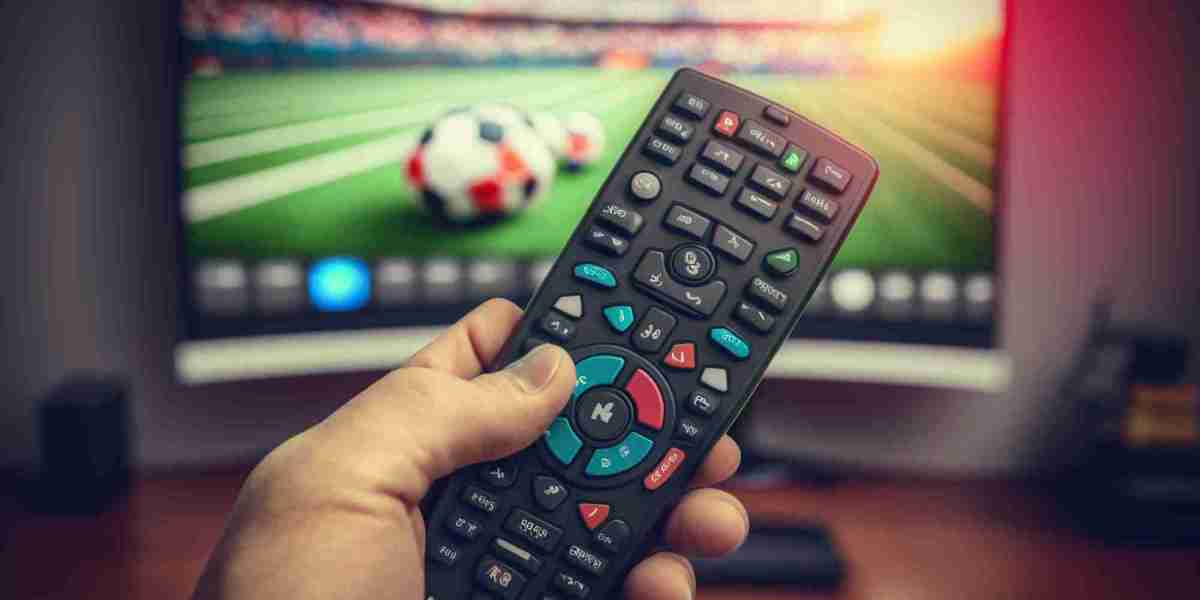

Streaming has become a major part of modern entertainment. From movies and live sports to documentaries and international channels, people now expect instant access to content across multiple devices. However, buffering, lag, and unstable playback can quickly ruin the experience.
The good news is that improving streaming performance at home does not always require expensive upgrades. Small adjustments to your internet setup, devices, and network usage can make a noticeable difference.
For modern households, entrepreneurs, and business professionals, creating a reliable streaming environment helps reduce interruptions and improve overall convenience.
Start With a Stable Internet Connection
Your internet connection is the foundation of streaming performance. Even high quality streaming services can struggle if the connection is weak or unstable.
Users should regularly test internet speeds and ensure the network can handle video streaming across multiple devices. A stable connection is often more important than simply having extremely high speed numbers.
Households looking for consistent smooth viewing should focus on reducing network interruptions and improving overall stability.
Place Your Router in the Right Location
Router placement has a major impact on WiFi performance. Many people keep routers hidden behind furniture or inside cabinets, which weakens signal strength throughout the home.
Placing the router in a central and open location improves coverage and helps devices maintain stronger connections.
Keeping the router away from walls and electronic interference can also improve streaming reliability significantly.
Reduce Network Congestion
Modern homes often have many connected devices using the internet at the same time. Smartphones, laptops, gaming systems, and cloud backups all compete for bandwidth.
Heavy network traffic can reduce streaming quality and increase buffering. Limiting unnecessary downloads or background activity during streaming sessions helps improve performance.
Managing bandwidth more effectively creates a smoother viewing experience for everyone in the household.
Use Wired Connections When Possible
While WiFi offers convenience, Ethernet connections usually provide more stable performance.
Connecting smart TVs or streaming devices directly to the router helps reduce signal interference and improves playback consistency. This is especially useful for high definition and ultra high definition streaming.
For users who stream regularly, wired setups can create a noticeable improvement in quality.
Keep Devices and Apps Updated
Outdated software can affect streaming performance and compatibility.
Streaming applications and device operating systems frequently release updates designed to improve stability, security, and playback quality. Keeping devices updated helps prevent technical issues and improves overall reliability.
This simple step is often overlooked but can make a significant difference over time.
Choose Compatible Streaming Devices
Older devices may struggle with modern streaming technology and high resolution playback.
Using updated smart TVs, streaming boxes, or media players improves responsiveness and overall viewing quality. Compatibility across multiple devices also creates a more flexible entertainment setup.
Modern hardware is designed to support smoother streaming experiences with fewer interruptions.
Adjust Video Quality When Necessary
Higher video resolutions require more bandwidth. If internet speeds are limited, streaming in ultra high definition may cause buffering or lag.
Lowering video quality slightly can improve playback consistency and reduce interruptions. Stable high definition streaming is often better than unstable ultra high definition playback.
Balancing quality and performance helps create a better overall experience.
Monitor Streaming Performance Regularly
Streaming quality can change over time because of increased network usage, outdated hardware, or internet provider issues.
Running occasional speed tests and checking playback performance helps identify problems before they become major frustrations.
Regular monitoring allows users to maintain consistent streaming quality over the long term.
Create a Better Viewing Environment
The viewing environment also affects the overall experience. Comfortable seating, proper lighting, and quality audio can make entertainment more enjoyable.
Reducing distractions and organizing devices neatly creates a cleaner and more immersive setup.
Small improvements to the entertainment space often enhance streaming enjoyment significantly.
Final Thoughts
Improving your home streaming experience does not always require major investments. Stable internet, better router placement, updated devices, and smart network management can all improve performance dramatically.
For modern households and professionals, reliable streaming has become an important part of everyday digital life. By focusing on practical improvements, users can reduce interruptions and enjoy a smoother, more enjoyable entertainment experience.